WebP for SEO: How Your Image Format Directly Affects Google Rankings
The image format decision you make today becomes the LCP score Google measures tomorrow

Iago Mussel
CEO & Founder
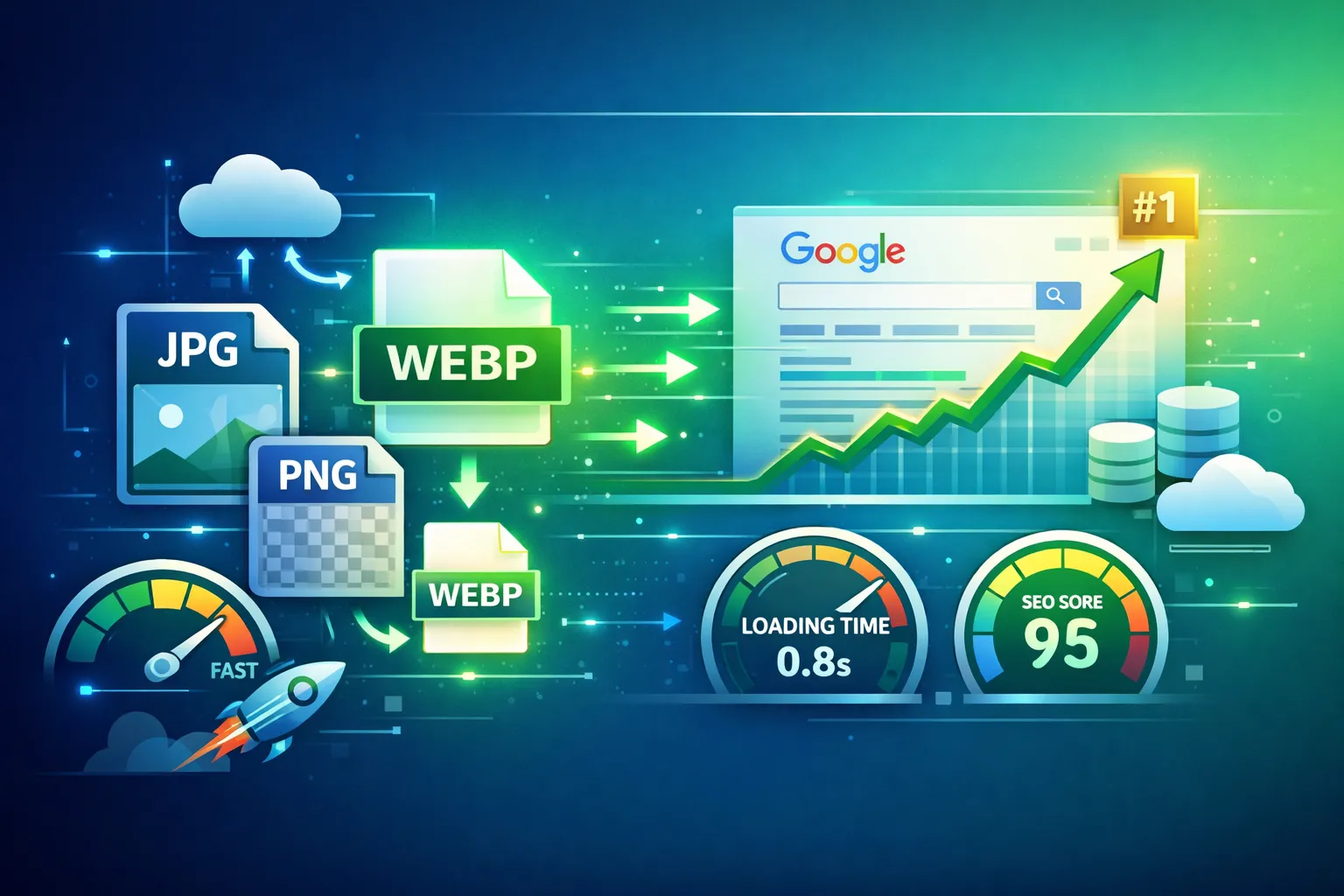
Table of Contents
- The Link Between Images and Search Rankings
- How LCP Is Measured and Why Images Drive It
- The Format Decision: What Google Actually Sees
- Real Numbers: WebP vs JPEG vs PNG in the Wild
- Google’s Explicit Signals on Image Format
- Beyond LCP: Other SEO Touchpoints Affected by Image Format
- Implementing WebP Without Breaking Anything
- The Conversion Step
The Link Between Images and Search Rankings
Image format is not usually discussed in the same conversation as SEO. Keyword research, backlinks, and site architecture get the attention. Images are treated as a design concern.
That framing is costing websites organic traffic.
Since Google’s Page Experience update became a ranking factor, Largest Contentful Paint (LCP) — the metric most directly influenced by image weight — has been a confirmed signal in search ranking calculations. The path from “we serve JPEG images” to “we rank lower than competitors with WebP images” is short and well-documented.
This article is not about the generic benefits of WebP. It is specifically about the SEO mechanism — how image format selection translates into ranking signals, how Google measures it, and what you can do about it.
How LCP Is Measured and Why Images Drive It
LCP measures the time from navigation start to when the largest visible content element has fully rendered in the viewport. For most pages — landing pages, blog posts, product pages, news articles — that element is an image.
Google’s own data from the Chrome User Experience Report (CrUX) shows that the LCP element is an image on approximately 70% of pages. On e-commerce product pages and editorial content, that number is higher.
The LCP timeline for an image has four phases:
- TTFB — Time until the first byte of the HTML document arrives
- Resource load delay — Time from TTFB until the browser starts fetching the image
- Resource load duration — Time to download the image
- Render delay — Time from download completion to paint
Image format directly controls phase 3. A WebP image at 200 KB downloads in approximately 160ms on a 10 Mbps connection. The same image as a JPEG at 600 KB takes 480ms. A PNG at 2 MB takes 1,600ms. The format decision alone shifts LCP by 300ms to 1,400ms.
Google’s LCP thresholds are:
- Good: under 2.5 seconds
- Needs Improvement: 2.5 to 4 seconds
- Poor: over 4 seconds
A hero image swap from JPEG to WebP can move a page from “Needs Improvement” to “Good” without changing a single line of application code.
The Format Decision: What Google Actually Sees
When Googlebot crawls a page, it does not just index text — it processes images, evaluates page experience signals via the Chrome User Experience Report (real user data from Chrome browsers), and factors LCP into the ranking score.
The CrUX data is based on real user measurements, not lab conditions. This means the LCP scores that affect your ranking are the actual load times experienced by Chrome users visiting your pages. If your image is 2 MB and your users are on mobile connections, those slow loads are being recorded and accumulated into your site’s field data.
PageSpeed Insights separates “Field Data” (CrUX, real users, affects ranking) from “Lab Data” (Lighthouse simulation, does not directly affect ranking). Your WebP conversion effort needs to improve field data, not just lab scores. The way to do that is to serve WebP to all Chrome browsers — which covers 65%+ of your traffic — so the improvement shows up in real user measurements.
Real Numbers: WebP vs JPEG vs PNG in the Wild
These are representative file sizes from production web assets — not synthetic benchmarks:
| Image Type | JPEG | PNG | WebP Lossy | WebP Lossless |
|---|---|---|---|---|
| Hero photo (1280×720) | 180 KB | 1.2 MB | 95 KB | 820 KB |
| Product photo (800×800) | 120 KB | 650 KB | 68 KB | 440 KB |
| Blog thumbnail (400×225) | 45 KB | 280 KB | 22 KB | 190 KB |
| UI screenshot (1440×900) | 310 KB | 2.8 MB | 180 KB | 1.9 MB |
| Logo with transparency | — | 85 KB | — | 62 KB |
On a product page with 8 images (hero + 7 thumbnails), switching from JPEG to WebP saves approximately 650 KB. On a category page with 24 product thumbnails, the saving exceeds 1.5 MB. Those savings translate directly into faster LCP and faster total page weight — both measurable in field data.
Google’s Explicit Signals on Image Format
Google has been explicit about WebP in its developer documentation. PageSpeed Insights and Lighthouse both surface a specific audit: “Serve images in next-gen formats.”
The audit flags JPEG and PNG images and estimates the potential savings from converting to WebP (or AVIF). The estimated savings are shown directly in the report and factored into the Performance score.
This is not a soft suggestion. It is a documented optimization in Google’s own tools, with a quantified impact on the score that correlates with ranking.
The Lighthouse audit description states directly:
“Image formats like WebP and AVIF often provide better compression than PNG or JPEG, which means faster downloads and less data consumption.”
When Google’s tools tell you to change image formats and quantify the performance gain, the SEO implication is straightforward.
Beyond LCP: Other SEO Touchpoints Affected by Image Format
LCP is the primary mechanism, but image format affects other SEO-adjacent factors:
Crawl Budget
Googlebot has a crawl budget — a limit to how many pages and resources it fetches from your site per day. Heavy pages consume more crawl budget per visit. A site where every page is 5 MB instead of 800 KB effectively reduces how many pages Googlebot can crawl in a session. For large sites (e-commerce, news, documentation), this can mean important pages are crawled less frequently.
WebP images reduce page weight, which means Googlebot processes more content per crawl session.
Mobile-First Indexing
Google uses the mobile version of your page for indexing and ranking. Mobile crawlers simulate slower network conditions. The same image that loads in 300ms on a desktop connection may take 900ms on a simulated mobile connection. WebP’s compression advantage is proportionally more valuable under mobile network constraints.
Bounce Rate as an Indirect Signal
Google’s John Mueller has repeatedly stated that bounce rate is not a direct ranking signal. However, the behavior that causes bounce — users leaving before the page finishes loading — is captured in Core Web Vitals field data. A high bounce rate on a slow page correlates with poor LCP, which is a ranking signal. Improving WebP adoption reduces LCP, which reduces the slow-page abandonment that correlates with poor field data.
Image Search Rankings
WebP images rank in Google Image Search. The image file itself must load for Google to process and index it. Faster-loading images are indexed more reliably and provide a better signal of page quality. While image search ranking factors are separate from web ranking, pages with well-optimized images tend to perform better across both.
Implementing WebP Without Breaking Anything
The main concern teams have about switching to WebP is browser compatibility. In 2026, this is a solved problem — WebP is supported by all modern browsers, with global coverage above 97%.
For the remaining edge cases (old iOS Safari, legacy IE), the <picture> element provides a clean fallback:
<picture>
  <source srcset="image.webp" type="image/webp" />
  <img src="image.jpg" alt="Description" width="1280" height="720" />
</picture>
Browsers that do not support WebP ignore the <source> tag and load the <img> fallback. Browsers that do support WebP use the optimized file. No JavaScript required.
For dynamic image serving via a CDN, Cloudflare’s Polish feature and Cloudinary’s automatic format selection (f_auto) handle the format negotiation server-side using the Accept header, serving WebP to supporting browsers without any HTML changes.
For build pipelines, sharp in Node.js converts images during the build step:
import sharp from 'sharp';
import { glob } from 'glob';

const images = await glob('public/**/*.{jpg,jpeg,png}');
for (const file of images) {
  await sharp(file)
    .webp({ quality: 80 })
    .toFile(file.replace(/\.(jpg|jpeg|png)$/, '.webp'));
}
Running this as a pre-build script ensures WebP variants are always available alongside originals.
The Conversion Step
The fastest way to see the impact before committing to a pipeline change is to convert your most important images individually — specifically your hero images and LCP candidates — and measure the before/after in PageSpeed Insights.
HunterMussel Image Optimizer runs entirely in the browser: upload a JPEG or PNG, choose quality, download the WebP. No account, no server upload, no installation. It shows you the file size difference before you download so you know exactly what you are saving.
The process:
- Convert your hero image to WebP
- Deploy it
- Run PageSpeed Insights on the page
- Compare field data in Search Console over the following 28 days (CrUX data updates on a rolling 28-day window)
For most pages with heavy hero images, the LCP improvement is visible in the first CrUX update after deployment. The ranking impact follows the field data improvement — typically within 1–3 crawl cycles after your field data moves from “Needs Improvement” to “Good.”
Image format is one of the few optimization changes where the effort is low, the measurement is clear, and the SEO impact is direct. Convert your images, measure the result, and let the data make the case.
 LinkedIn
 Twitter
 Facebook
 WhatsApp
 Telegram
 Reddit